How to Register on JD LUXE: Step-by-Step Guide for Filipino Players
What You Need Before You Start
Before you begin the JD LUXE registration process, make sure you have everything ready. This saves time and helps you avoid errors when filling out the form.
Age requirement: JD LUXE accepts players aged 21 and over only. You must be at least 21 years old to create an account and play.
Valid ID: Keep a government-issued ID on hand. While you won't upload it during registration, you'll need it later for ID verification before your first withdrawal. Accepted IDs typically include your passport, driver's license, UMID, PhilHealth ID, or any government ID with your photo, full name, and birthdate.
Mobile number: You'll need an active mobile number registered in your name. JD LUXE sends a verification code by SMS to confirm your number during sign-up.
Email address: Use an email address you check regularly. JD LUXE sends account confirmations and important updates to this email.
Stable internet connection: Registration works best on Wi-Fi or a strong mobile data signal. A dropped connection mid-registration means starting over.
Most Filipino players complete JD LUXE registration on their Android phones in under five minutes once they have these details ready.
Creating Your JD LUXE Account
JD LUXE registration is designed for mobile-first players. The form is short and works smoothly on smaller screens.
Step 1: Open the JD LUXE website
Open your mobile browser (Chrome, Safari, or your default browser) and go to the JD LUXE homepage. Look for the "Register" or "Sign Up" button, usually placed at the top-right corner or prominently on the main page.
Step 2: Fill out the registration form
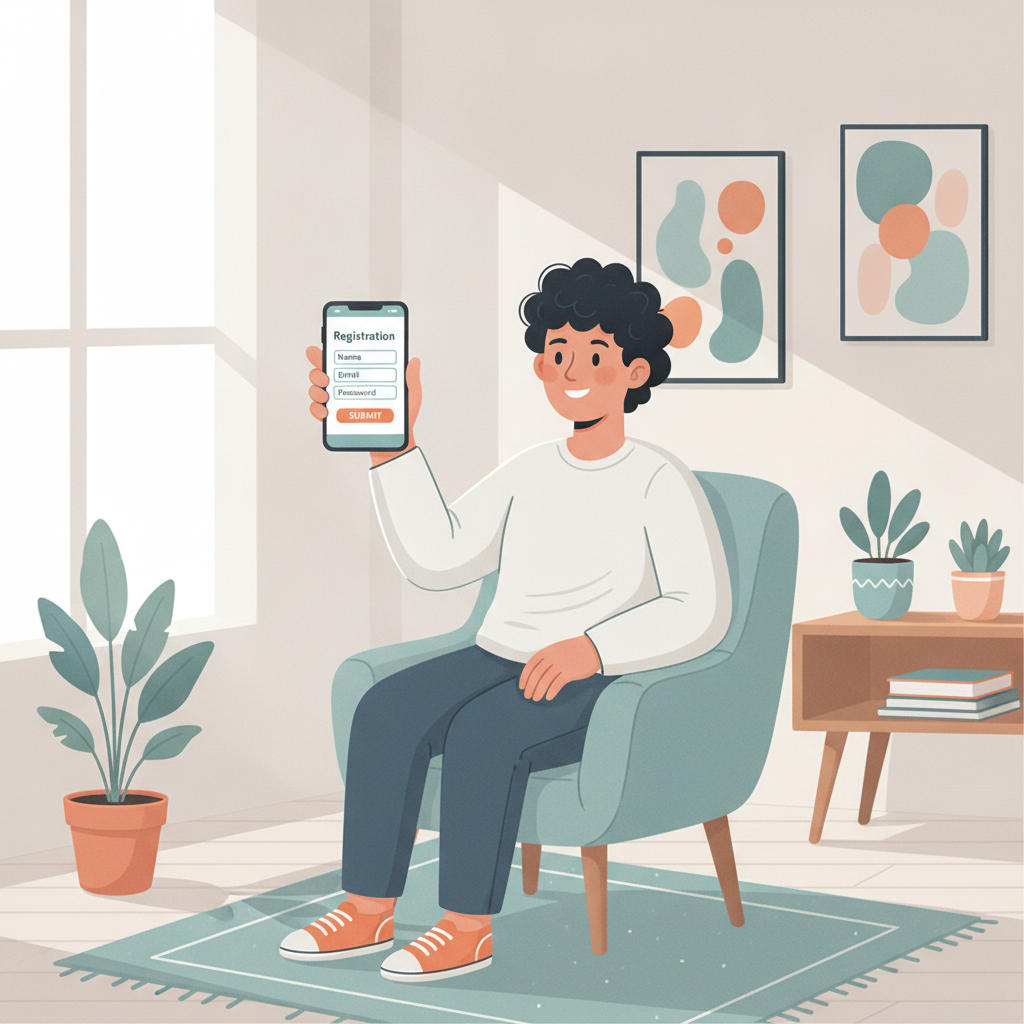
Tap the register button. You'll see a form asking for the following:
- Username: Choose a username you'll remember. You'll use this to log in every time. Make it unique but simple—no need for complex characters.
- Password: Create a strong password with at least eight characters. Mix uppercase, lowercase, numbers, and symbols for better security.
- Mobile number: Enter your Philippine mobile number in the format requested (usually +63 followed by your ten-digit number).
- Email address: Type your email carefully. Double-check for typos.
- Date of birth: Select your birthdate from the dropdown or calendar. This confirms you're 21 or older.
- Currency: Select PHP (Philippine peso). This is the default for Filipino players and matches your GCash, Maya, and bank balances.
Some forms also ask for your first and last name exactly as they appear on your ID. This matters for ID verification later, so spell everything correctly.
Step 3: Accept the terms and conditions
Before submitting, you'll see a checkbox for the terms and conditions. Read through the key points—especially the sections on age restrictions, responsible gambling, and account rules. Tick the box to confirm you agree.
Step 4: Submit the form
Tap "Register" or "Submit." If there are any missing fields or errors (like a weak password or invalid mobile format), the form will highlight them. Fix those, then submit again.
Within seconds, you'll see a confirmation message on-screen or be redirected to the next step: verification.
Email and Mobile Verification Steps
JD LUXE verifies your email and mobile number to protect your account and ensure all communications reach you.
Email verification
After you submit the registration form, check your email inbox. JD LUXE sends a verification email within a few minutes. The subject line usually says "Verify Your JD LUXE Account" or similar.
Open the email and click the verification link inside. This link takes you back to the JD LUXE site and confirms your email is active.
What if you don't see the email?
- Check your spam or junk folder.
- Wait a few more minutes—delivery can be delayed.
- Make sure you typed your email correctly during registration. If not, you may need to contact JD LUXE support or re-register with the correct address.
Mobile number verification
JD LUXE also sends an SMS with a one-time verification code to the mobile number you provided. This usually arrives within one to two minutes.
When you receive the SMS, note the code (it's typically four to six digits). Return to the JD LUXE site or app. You'll see a field asking for the verification code. Enter it exactly as shown in the SMS, then tap "Verify" or "Confirm."
Once both your email and mobile number are verified, your JD LUXE account is active. You can now log in using your username and password.
Completing ID Verification for Your First Withdrawal
JD LUXE does not require ID verification immediately after registration. You can browse games, make a deposit, and start playing right away. However, before you request your first withdrawal, you must complete ID verification.
Why ID verification matters
ID verification (also called KYC, or Know Your Customer) confirms your identity and age. It helps prevent fraud, underage gambling, and account misuse. Every legitimate online casino in the Philippines follows this practice.
When to complete ID verification
You can upload your ID anytime after registration, but most players do it before or shortly after their first deposit. This way, when you win and want to withdraw, there's no delay.
How to upload your ID
Log in to your JD LUXE account and look for the "Account," "Profile," or "Verification" section in the menu. Tap it, then find the option to upload documents.
You'll be asked to submit:
- A clear photo or scan of your government-issued ID (front and back if applicable).
- Sometimes a selfie holding your ID next to your face for added security.
Tips for a smooth ID upload:
- Use good lighting. Avoid shadows or glare.
- Make sure all text on the ID is readable—your name, birthdate, ID number, and photo.
- Save the file in JPG or PNG format if uploading from your phone's gallery.
- Keep the file size under the limit shown on-screen (usually 5 MB or less).
After you submit, JD LUXE reviews your documents. Approval typically takes a few hours to one business day. You'll receive an email or SMS when your account is fully verified.
Responsible Gambling Reminder and Account Security Tips
Responsible gambling reminder
JD LUXE is for entertainment. Only play with money you can afford to lose, and never chase losses. Set a budget before you start, and stick to it. If you feel gambling is affecting your life, finances, or relationships, seek help. Organizations like the National Center for Mental Health and local support groups offer free, confidential assistance. Remember: this platform is for players aged 21 and over only.
Account security tips
Keeping your JD LUXE account safe is your responsibility. Follow these practical steps:
- Use a strong, unique password. Don't reuse passwords from other sites. Change your password every few months.
- Never share your login details. JD LUXE support will never ask for your password. If someone does, it's a scam.
- Enable two-factor authentication (2FA) if available. Some platforms offer 2FA via SMS or an authenticator app. This adds an extra layer of protection.
- Log out after each session, especially on shared devices or public Wi-Fi.
- Check your account activity regularly. Review your transaction history and report anything suspicious to JD LUXE support immediately.
- Beware of phishing. Always type the JD LUXE web address directly into your browser. Don't click links in unsolicited emails or texts claiming to be from JD LUXE.
- Keep your mobile number and email up to date. If you change either, update them in your JD LUXE profile so you receive important notifications.
By following these steps, you'll have a secure account and a smoother experience from registration through your first deposit and beyond.
Ready to get started? Now that you know how to register on JD LUXE, gather your ID and mobile number, open the site on your phone, and complete the sign-up in minutes. Remember to verify your email and mobile number right away, and upload your ID before your first withdrawal. Play responsibly, stay secure, and enjoy exploring slots, live dealer games, and sports betting at JD LUXE.